Hi all,
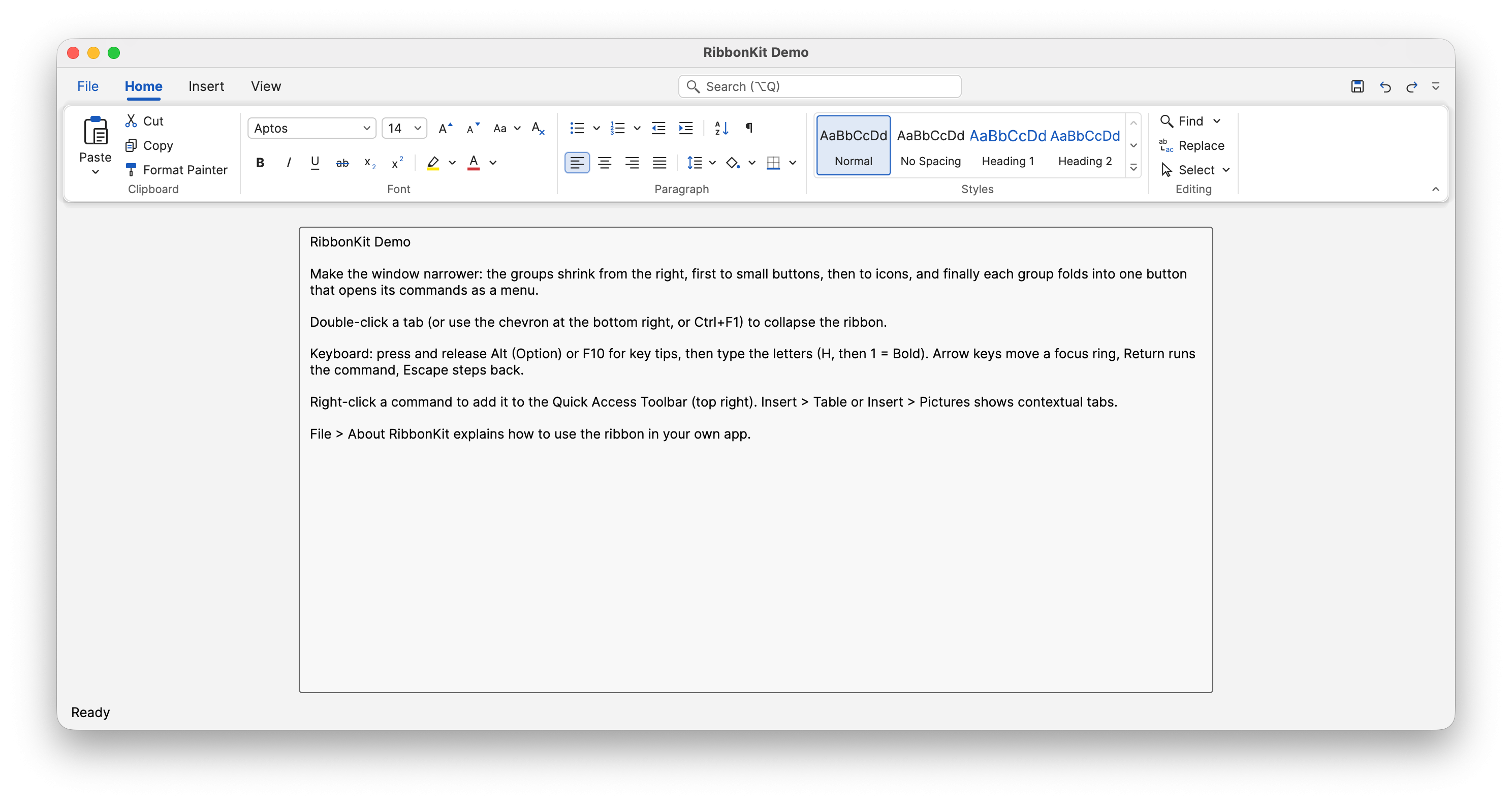
I’d like to introduce RibbonKit – a Microsoft Office-style ribbon written entirely in Objo, without any plugins . (It’s a leftover from the Gantt demo, where I ultimately didn’t end up using it.) You can place it in the Window Designer just like any other control.
What it does:
- Tabs and groups with large and small buttons, toggles, dropdowns, split buttons, combo fields and galleries
- Adapts to the window width: groups shrink to small buttons, then to icons, then fold into one button
- Office key tips (Alt or F10), a Quick Access Toolbar, contextual tabs and a command search (Alt+Q)
- About 60 built-in vector icons, or your own PNG and SVG images
- Light and dark mode
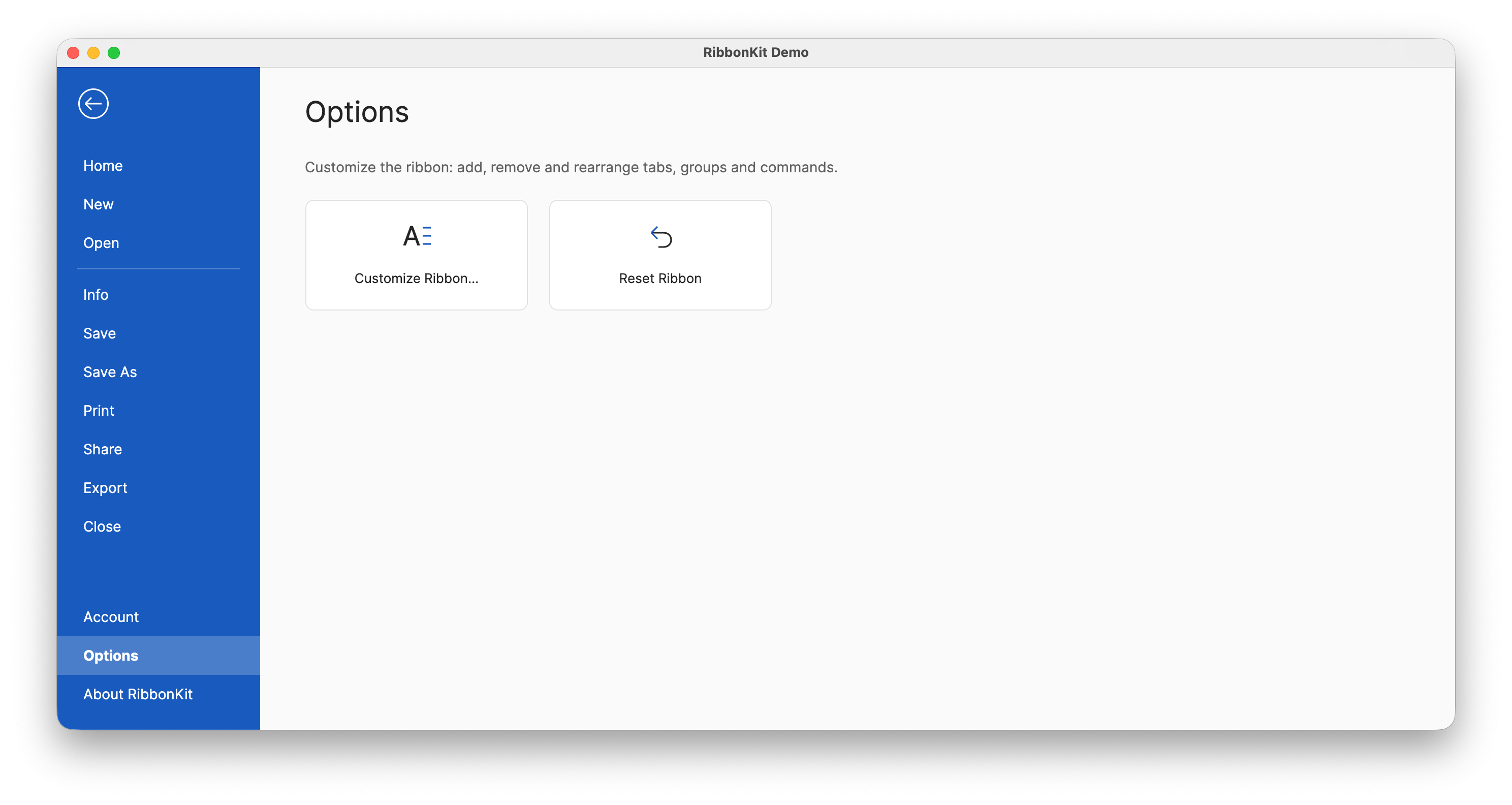
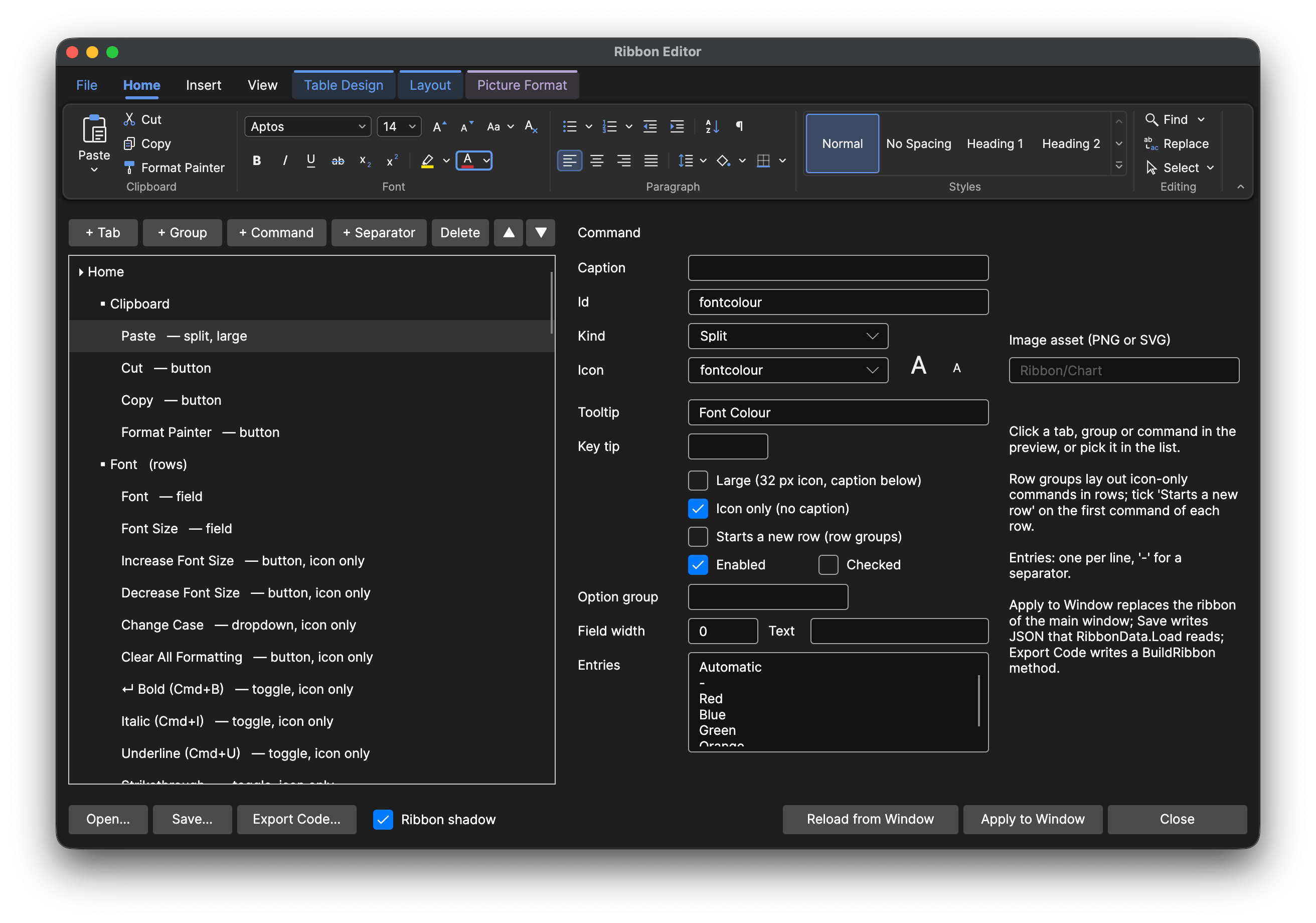
- Optional extras: a File "backstage" page and a Ribbon Editor that edits the ribbon with a live preview and exports it as JSON or Objo code
To get started, open RibbonKit.objosln and run it: it's a complete demo app. To use the ribbon in your own app, copy the Ribbon folder from its Solution Navigator into your solution with Copy and Paste. Everything else is in RibbonKit-README.md, and in the demo under File > About RibbonKit.
It needs Objo Studio 26.11.8 or newer. I developed and tested it on macOS.
It's free for private, educational and non-commercial use. For commercial use, send me a PM and we'll sort out a small licence.
Feedback, bug reports and screenshots of RibbonKit in your apps are very welcome. 😊