*Objo Studio: 26.11.3, macOS on Apple Silicon
A Canvas locked to all four edges of the window briefly displays its previous frame stretched to fit the new window size while the window is being resized. Once the Paint event catches up, it redraws correctly.
The result is that text and shapes visibly stretch and then snap back into place, which produces a noticeable flicker. It is particularly obvious in applications that draw most or all of their UI into a single Canvas.
Reproduction
CanvasResize/ is a minimal example containing a single designer window and one Canvas with lockRight and lockBottom enabled.
The Paint event fills the background and draws rows 30 points high. Each row contains a 300 × 14 point bar, along with the current paint size and a paint counter.
- Run
objo build CanvasResize/CanvasResize.objosln and open the app.
- Drag the bottom or right edge of the window back and forth.
- The rows and bars briefly stretch with the window, then snap back to their intended size when the Canvas repaints.
Calling Refresh() from the window's Resize event makes no difference.
Measurements from a 60 fps screen recording
I measured every frame, checking bar width, bar height and row spacing. The recording was measured at half resolution, so the expected values are 300 px wide, 14 px high, with rows 30 px apart.
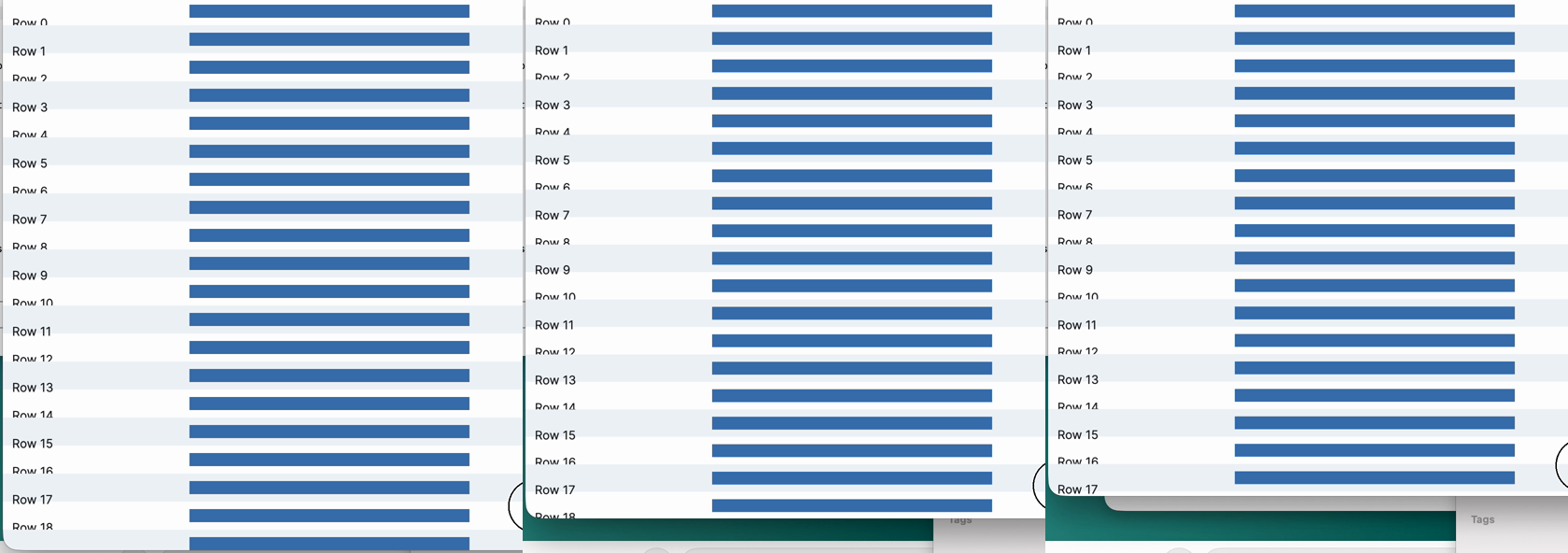
- During vertical resizing, some frames show rows 29 px apart with 13 px-high bars. In other words, the previous frame is being squeezed by roughly 3%. See
vertical-stretch.png: normal, squeezed, squeezed. Row 17 makes the effect particularly easy to spot.
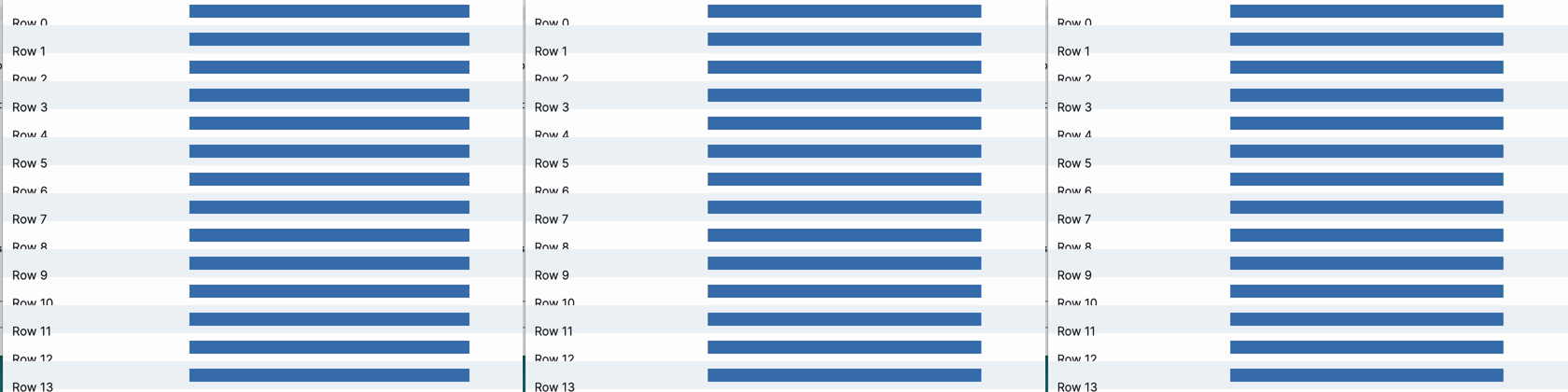
- During horizontal resizing, bar widths range from 290 to 306 px instead of the expected 300 px. This indicates the previous frame is being scaled horizontally by up to roughly 3%. See
horizontal-stretch.png: normal, squeezed, normal.
It appears that the existing Canvas contents are being scaled to the temporary control size during live resize, before the next Paint event redraws the Canvas at its proper dimensions.