Great suggestion. I’ve now added a dedicated TagField control for the next Objo Studio release. It's a proper native control, so there is no Canvas drawing or manual hit-testing involved.
It supports:
- Rounded, theme-aware tags with optional close buttons
- Single-line horizontal scrolling or multiline wrapping
- Return and optional comma-to-commit
- Comma-separated paste and
Text assignment
- Placeholder and read-only modes
- Duplicate and maximum-tag limits
- Custom tag background and text colours
- Static and dynamic autocomplete suggestions
- An optional data object attached to each tag
Changed, TagAdded, TagRemoved, TagPressed, TagParsing, and SuggestionNeeded events
It is also fully supported by the visual designer and Inspector.
For example:
Sub Opening()
Categories.Text = "Important, Customer"
Categories.Multiline = True
Categories.AddSuggestion("Personal")
Categories.AddSuggestion("Work")
Categories.AddSuggestion("Follow-up")
End Sub
Function Categories_TagParsing(text As String) As Boolean
# Reject excessively long tags.
Return text.Length <= 30
End Function
Sub Categories_TagAdded(index As Integer)
Print("Added: " + Categories.TagText(index))
End Sub
The default single-line mode behaves like a compact text field. With Multiline = True, tags begin at the top and wrap onto additional rows.
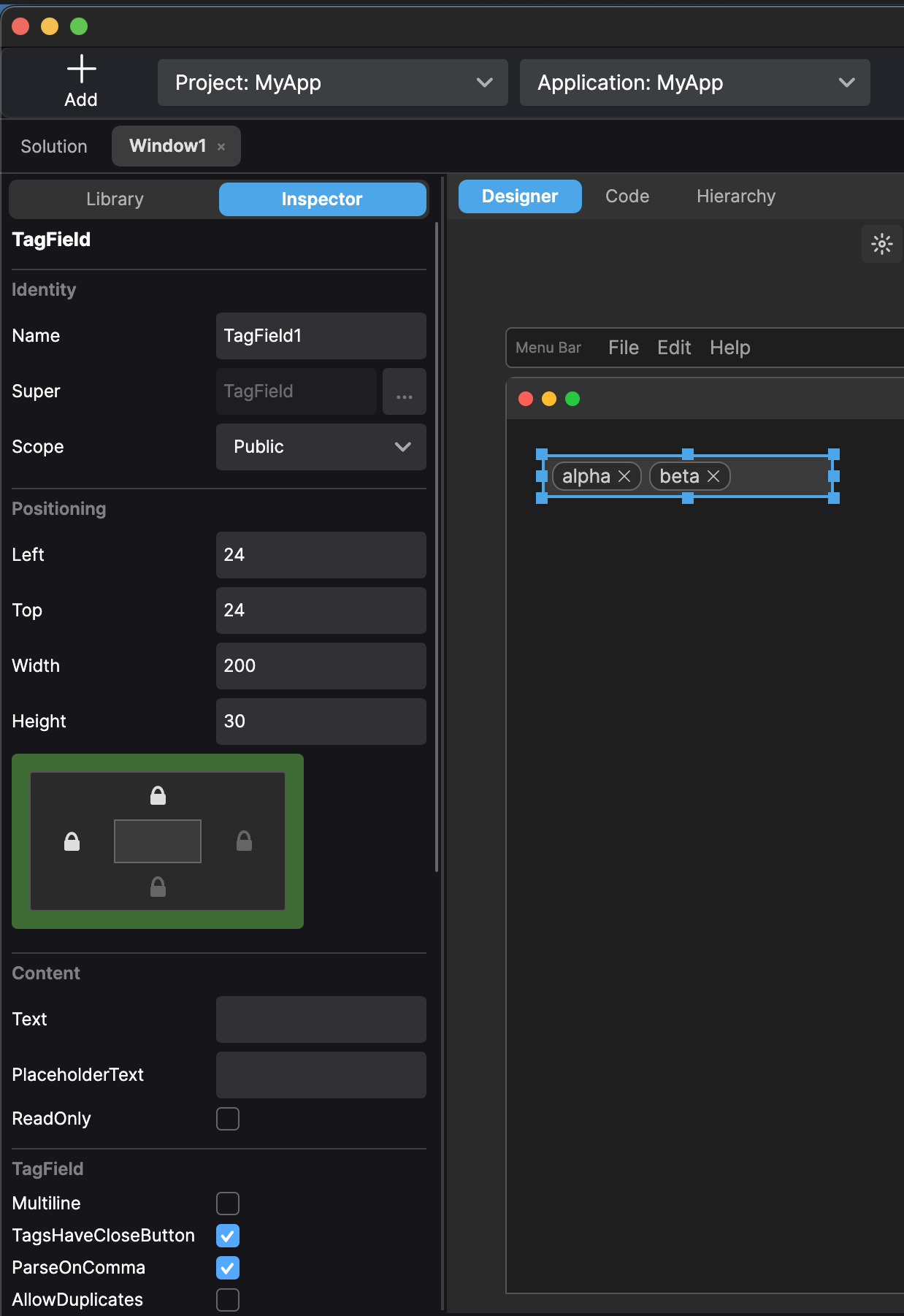
Thanks for suggesting this. It turned into a rather nice and surprisingly capable control!
https://feedback.objo.dev/feature/1391